fixtSE
FixtSEFixtSE
en Englishes Espanol
Blog
Membership
Shop
Scribe
About
en Englishes Espanol
Blog
Membership
Shop
Scribe
About

Youtube
Instagram
RSS
Github
Membership
Privacy
Fixtβ€’
Published: May 18, 2024β€”1 min read

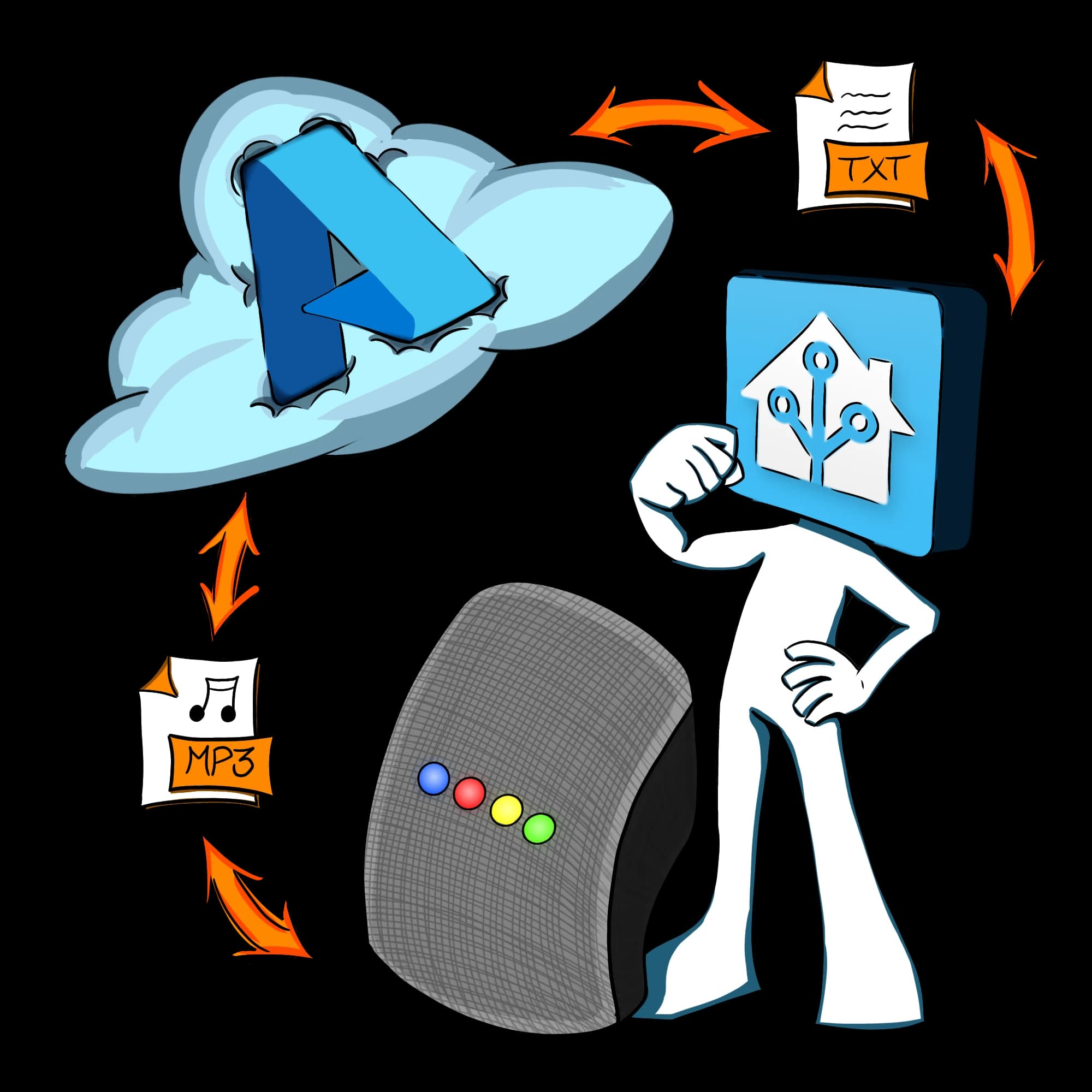
Free Voice Assistant TTS & STT in Home Assistant using Azure

Written by: Fixt

If you're subscribed to our Channel
Login with your Google account to get our Smart Tutorial Experience!

Table of contents
Azure AccountAdd-onsWyoming Microsoft TTSWyoming Microsoft STTOpenWakeWordWyoming IntegrationConfigure Assistant

Featured

Related

Tags

Home-Assistant
Tutorial
AI
Add-on
Integration
Windows
Assistant

If you like my work, please consider supporting me on Ko-fi!

← Back to the blog

Tags

Home-Assistant
Tutorial
AI
Add-on
Integration
Windows
Assistant
← Back to the blog

Featured

Related

Tags

Home-Assistant
Tutorial
AI
Add-on
Integration
Windows
Assistant
TTS & SST Cloud

Azure Account
#

You can check the list of free available services here
Create an account on https://portal.azure.com/
Create a speech service

Add-ons
#

Wyoming Microsoft TTS
#

By hugobloem
Open your Home Assistant instance and show the dashboard of a Supervisor add-on.

Wyoming Microsoft STT
#

By hugobloem
Open your Home Assistant instance and show the dashboard of a Supervisor add-on.

OpenWakeWord
#

Open your Home Assistant instance and show the dashboard of a Supervisor add-on.

Wyoming Integration
#

Documentation
Open your Home Assistant instance and show an integration.
You can use this button to start the setup process. It will open the integration page in Home Assistant.

Configure Assistant
#

Open your Home Assistant instance and show your voice assistants.