Download links#

MQTT installation (Mosquitto Broker)#
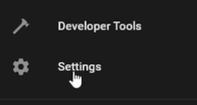
First, go to setting in the Home Assistant menu.
Then click on addons
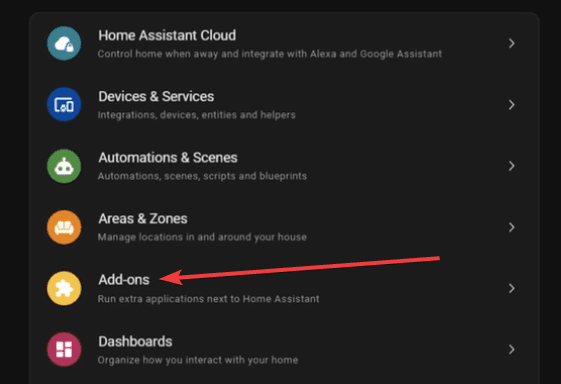
Click on the add-on store icon in the bottom right corner

Search for the Mosquitto broker add-on and click on it, then click on install
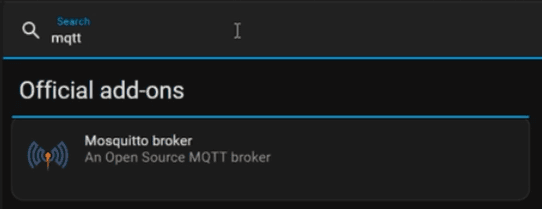
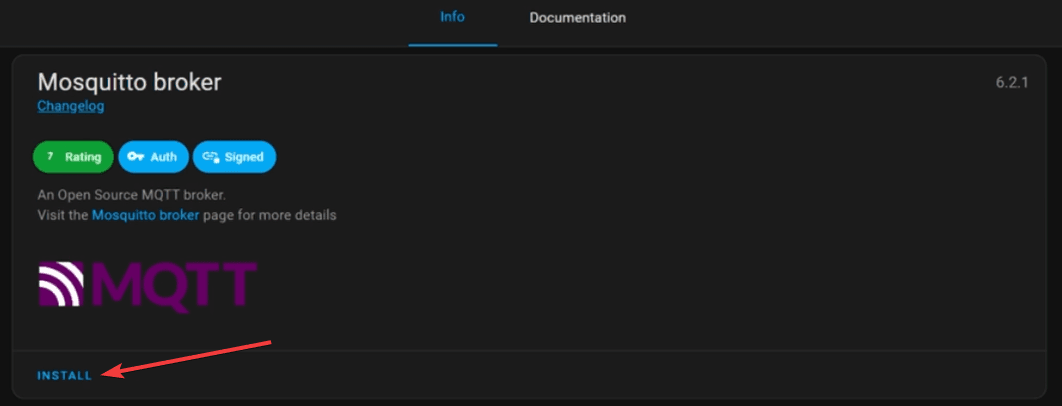
After it's finished, click on start
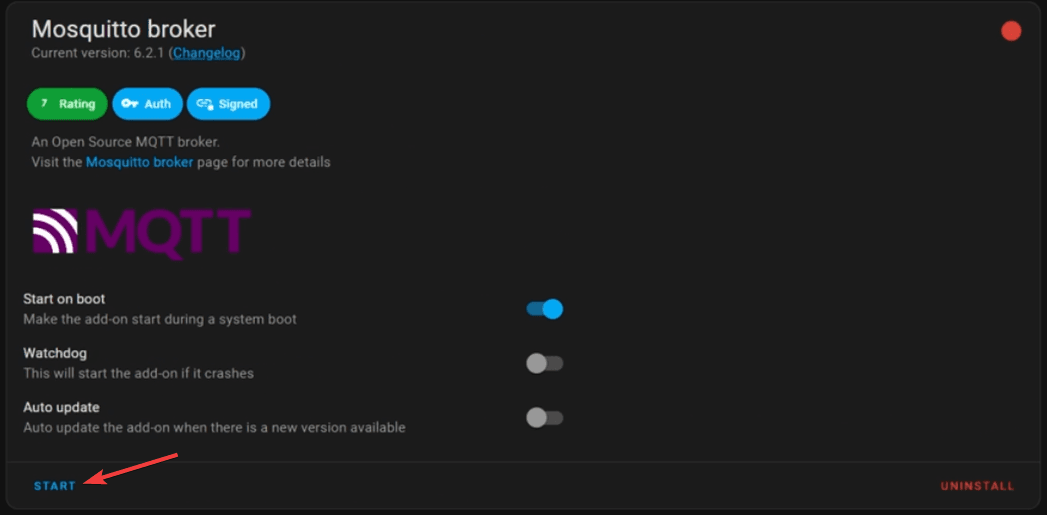
Now we are going to configure the MQTT integration in home assistant, for this, go to setting in the Home Assistant menu and then click on Devices & Services

Click on the Configure button for the MQTT integration and then click on Submit
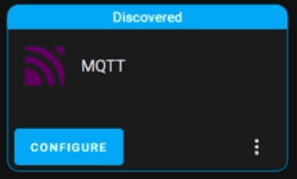
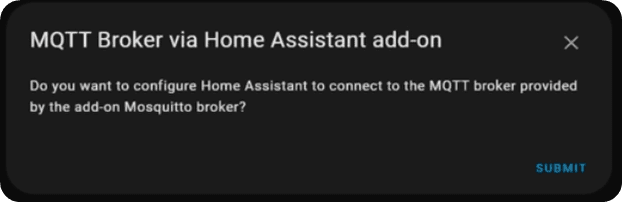
if everything went well, you should see the following message
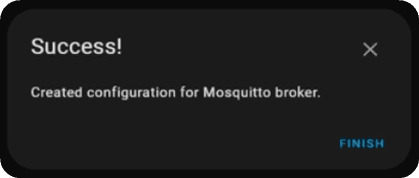
if not, reboot home assistant and try again
HASS Agent configuration#
For the most updated configuration, please refer to the official HASS.Agent documentation: https://hassagent.readthedocs.io/en/latest/configuration/
Generate API Token#
Go to your profile in Home Assistant (bottom left corner, bellow notifications).
Scroll down to the end of the page and click on Create Token
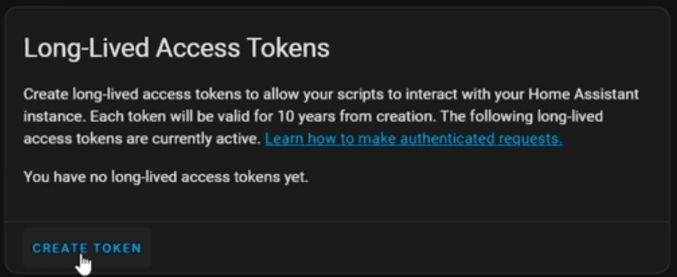
Give it a name and copy it to the HASS.Agent configuration