Using the affiliate links below helps support the channel and all the content I create 🎉🙌
Prerequisites#
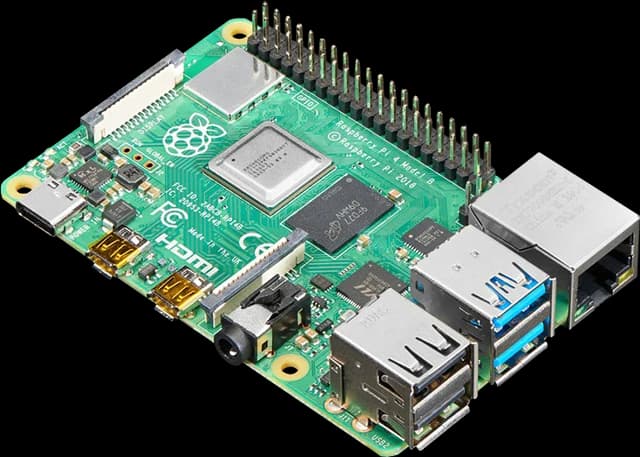
- Raspberry Pi 4 Kit
- Micro SD Card (16GB or 32GB)* or SSD with USB Adapter
- Amazon: Kingston A400 SSD, Ugreen USB 3.0 CASE
- Aliexpress: Kingston A400 SSD, USB 3.0 CASE
- USB Type-C Power Supply (5V 3A)*
- Ethernet Cable
*Included in the kit
Raspberry Pi Imager#
Download it here.
New Onboarding#
To Open the Home Assistant Page clic here.
Activate Advance Mode#

You can use this button to open your User's Profile page on Home Assistant
Manage Integrations#

You can use this button to open the Integrations page on Home Assistant
Install Add-ons#

You can use this button to open the Add-ons page on Home Assistant